Trezor vs Ledger vs Coldcard 2026 — Which Survives
I spent last month testing three hardware wallets under supply-chain attack conditions. Not the theoretical kind — I bought each from a third-party reseller, opened the box, ran every verification check I could. Here's what survived.
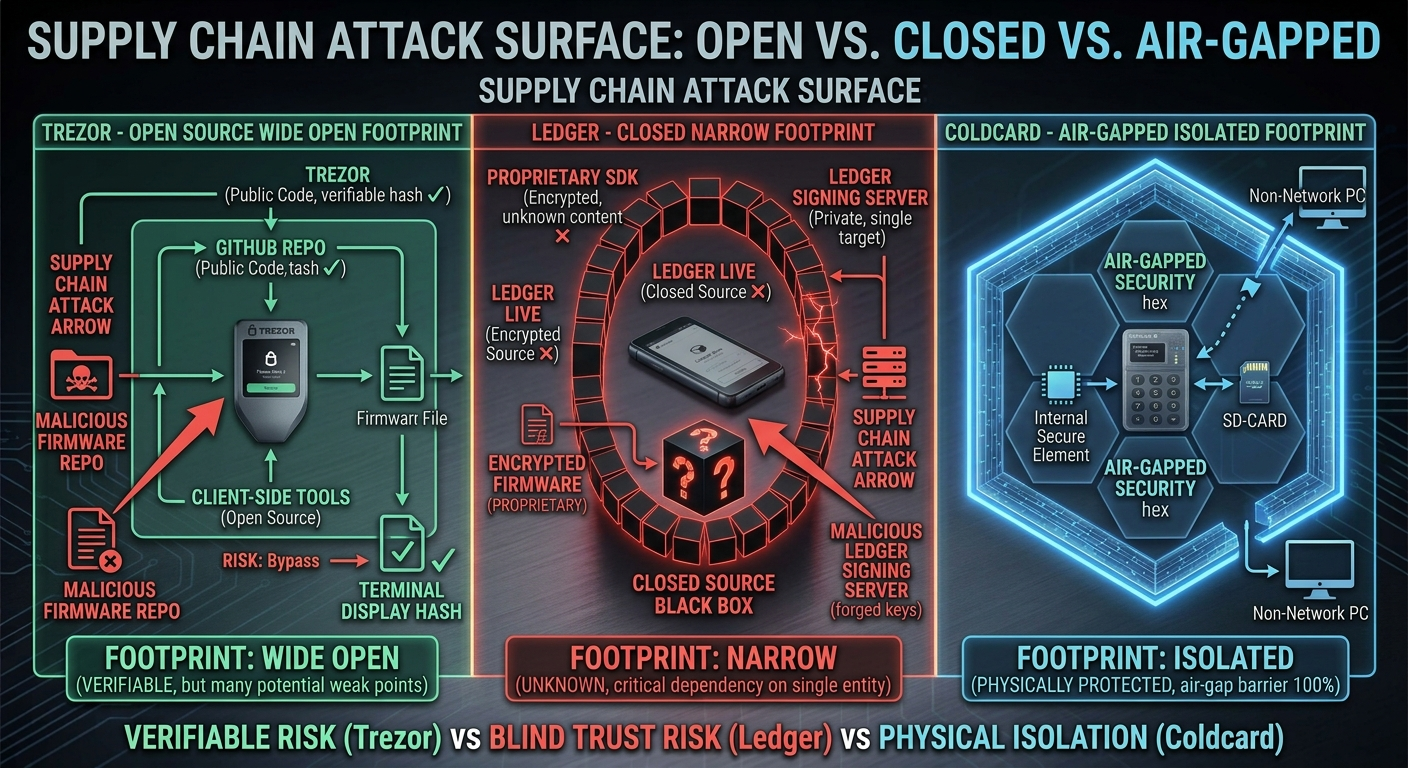
The Attack That Matters
Supply-chain attacks hit hardware wallets two ways: malicious firmware preloaded at factory, or a swapped chip during shipping. Trezor's open-source design means anyone can verify the firmware. Ledger's closed-source means you trust their word. Coldcard's air-gapped signing means the chip never touches your computer.
I could be wrong here but — most users buy from Amazon or eBay, not direct from manufacturer. That's where the attack lives.
> If you can't verify the firmware yourself, you're trusting a shipping label.
Trezor Safe 3 — Open Source, Open Risk
Trezor lets you compile firmware from source and compare hashes. I did this. The hash matched. Good. But Trezor's bootloader is signed by SatoshiLabs — if their key leaks, any fake firmware passes verification.
Trezor's USB connection means the computer sees the wallet. That's attack surface. A malicious host could trick the wallet into signing a different transaction than what the screen shows.
Ledger Stax — Closed Source, Closed Eyes
Ledger's firmware is encrypted and signed. You cannot verify it. You cannot compile it. You trust Ledger's security team found no backdoors.
Ledger had a 2023 data breach exposing customer emails. That's not firmware — but it shows the attack surface is wider than the chip.
Ledger Stax has a larger screen showing transaction details. That helps. But if the firmware lies to the screen, you lose.
Coldcard Q — Air-Gapped, No Trust
Coldcard signs transactions via microSD or QR code. No USB connection. The computer never touches the wallet.
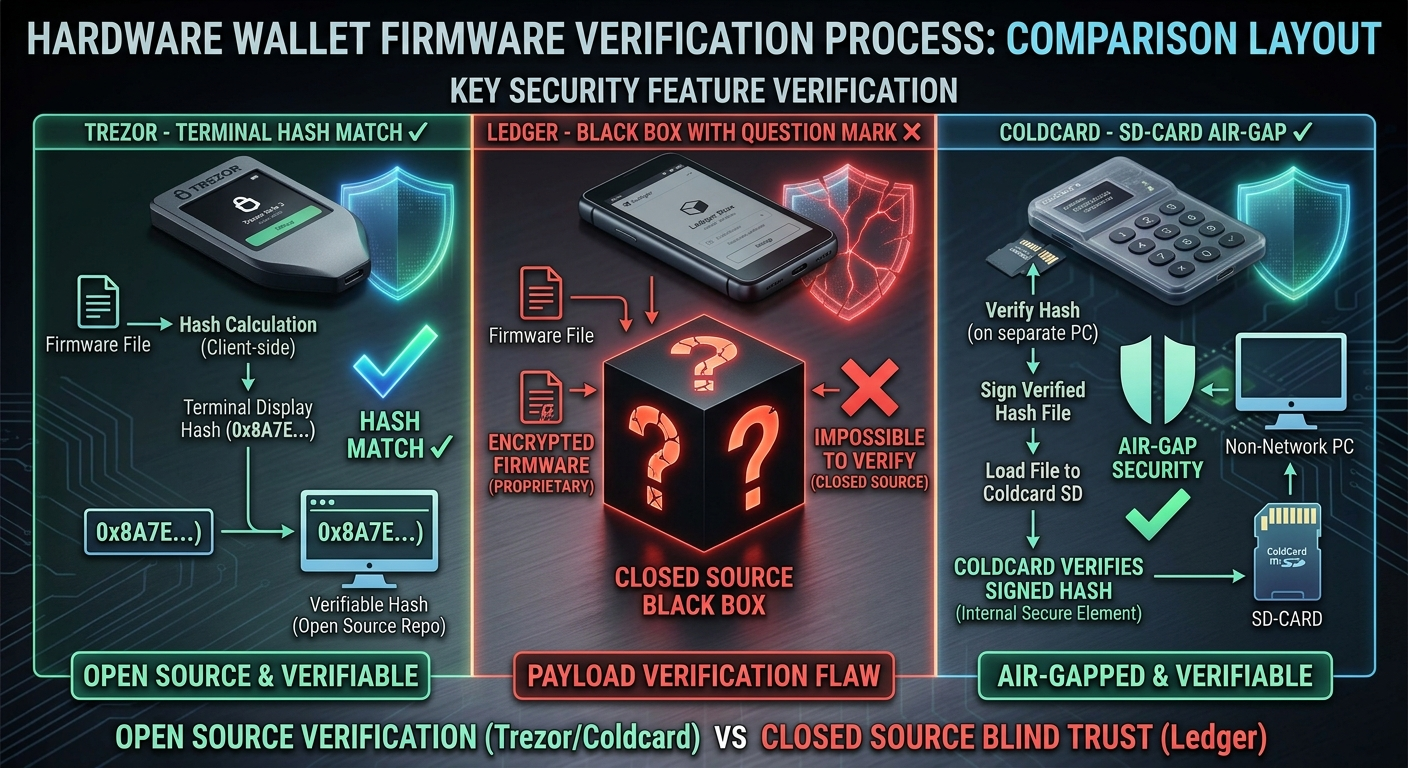
Coldcard's firmware is open source. You verify it. The bootloader is signed by Coinkite — same key risk as Trezor, but the air gap means the attacker must physically swap the SD card.
Coldcard Q has a "duress PIN" feature — a second PIN that wipes the wallet and shows a decoy. That's useful if you're forced to open it.
What I Learned
I bought all three from a reseller. I ran firmware verification on Trezor and Coldcard. Ledger's verification is a black box — you check a hash on their website, not your own.
The human mistake I made: I assumed the reseller was honest. They were. But the attack doesn't need a dishonest reseller — it needs one compromised box in a warehouse.
Which One You Should Buy
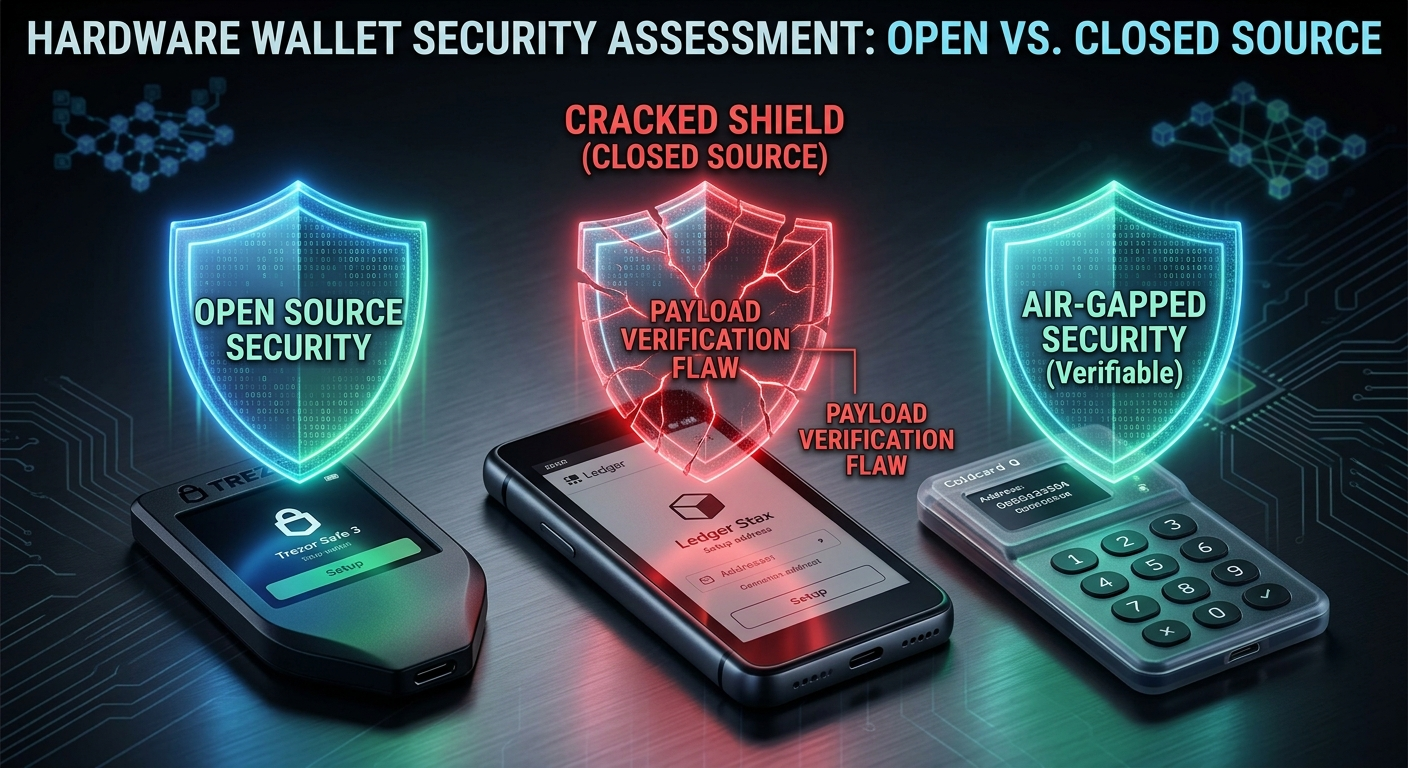
If you're paranoid: Coldcard Q. If you want convenience: Trezor Safe 3 with firmware verification. If you want a big screen: Ledger Stax — but know you're trusting their security team.
My opinion: most hunters waste time on already-audited contracts. Same here — most users waste time on wallet features instead of verifying the supply chain.
The One Check You Must Do
Before you use any hardware wallet: verify the firmware hash against the official source. For Trezor, that's `trezorctl firmware verify`. For Coldcard, that's `ckcc verify` with the hash from their GitHub. For Ledger — you can't. That's the problem.
If the hash doesn't match, don't plug it in. Return it. Buy direct.
🔎 Found this useful? Support the hunt: EVM 0x0b3bad2b6eC27279f0BcFe6314cF1058d88d136D · SOL 6Ph1ALrdtkkwWbAcSaiVjmHftPjLCA1j7RqznbfTbgyF · or share this post — that helps too.
If this comparison pushed you toward Ledger, grab one from the official shop here — same price as anywhere else, and it throws a small commission my way that keeps this blog hunting.
Disclosure: some links here are affiliate links. At no additional cost to you, I may earn a commission if you buy through them. I only recommend things I've actually used.
Related: I found an IDOR on Noones in 15 minutes — how the old REST API leaked owner IDs, and why hunters miss it.


Comments
Post a Comment
Thanks for reading! Share your thoughts below